
"AppLock - App Protection" can block any apps: from social networks to the gallery to ensure maximum privacy of your device
Block and protect specific applications and data, which will be protected by AppLock's robust mechanisms.
InstallIf you are afraid that when you give your phone to a friend, he will look at your photos – AppLock will solve this problem by protecting the device gallery.
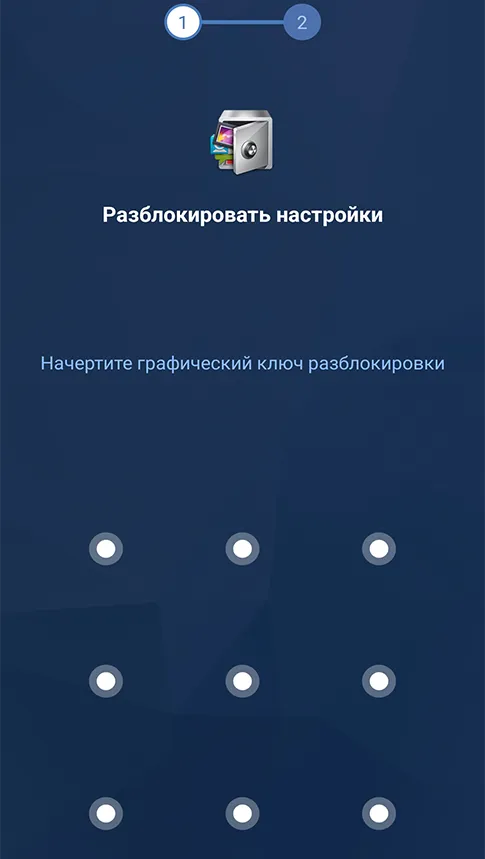
InstallAppLock allows you to enable random key placement and a private pattern. No one will be able to spy on your password.
InstallAdditional protection for your device with AppLock works not only when transferring the phone, but also protects the device from external threats from the world wide web
No one will be able to take your gaming device without your knowledge anymore.
Private information from messengers and social networks only for you.
AppLock protects your phone settings from being switched and prevents them from being reset.
For the correct operation of the application "AppLock - application protection" you need a device on the Android platform version 5.0 and higher, as well as at least 38 MB of free space on the device.
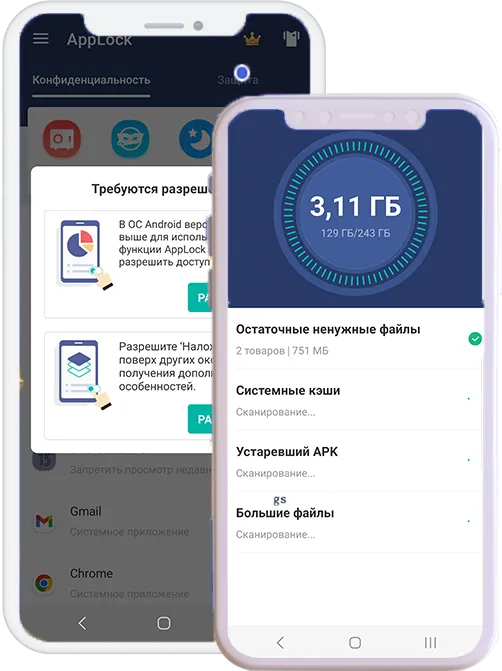
In addition, the application requests the following permissions: device and application usage history, photos/media/files, storage, camera, Wi-Fi connection data.
Downloads
Reviews
Users
Rating
In the images below you can see "AppLock - Application Protection" in action and evaluate the application interface, which is intuitive and user-friendly.